


The Signature
Bundles Section
Showcase your creator's favorite bundles in an cart-boosting format (with 1-click add all to cart functionality). Add to any page in your theme by searching for "bundles" in the section menu. To preview successfully, you need at least 1 synced CreatorCommerce collaboration with collections/drops.
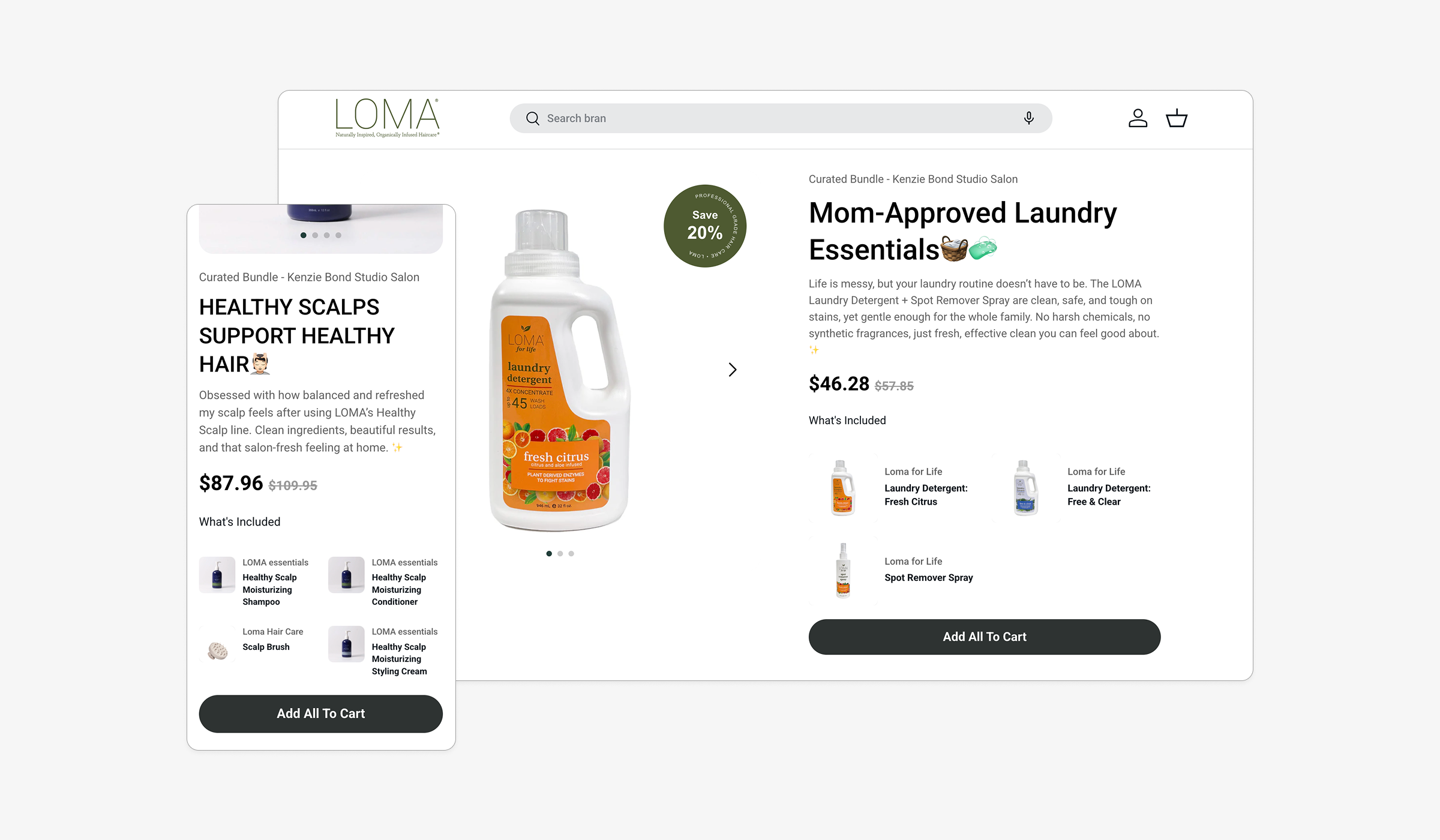
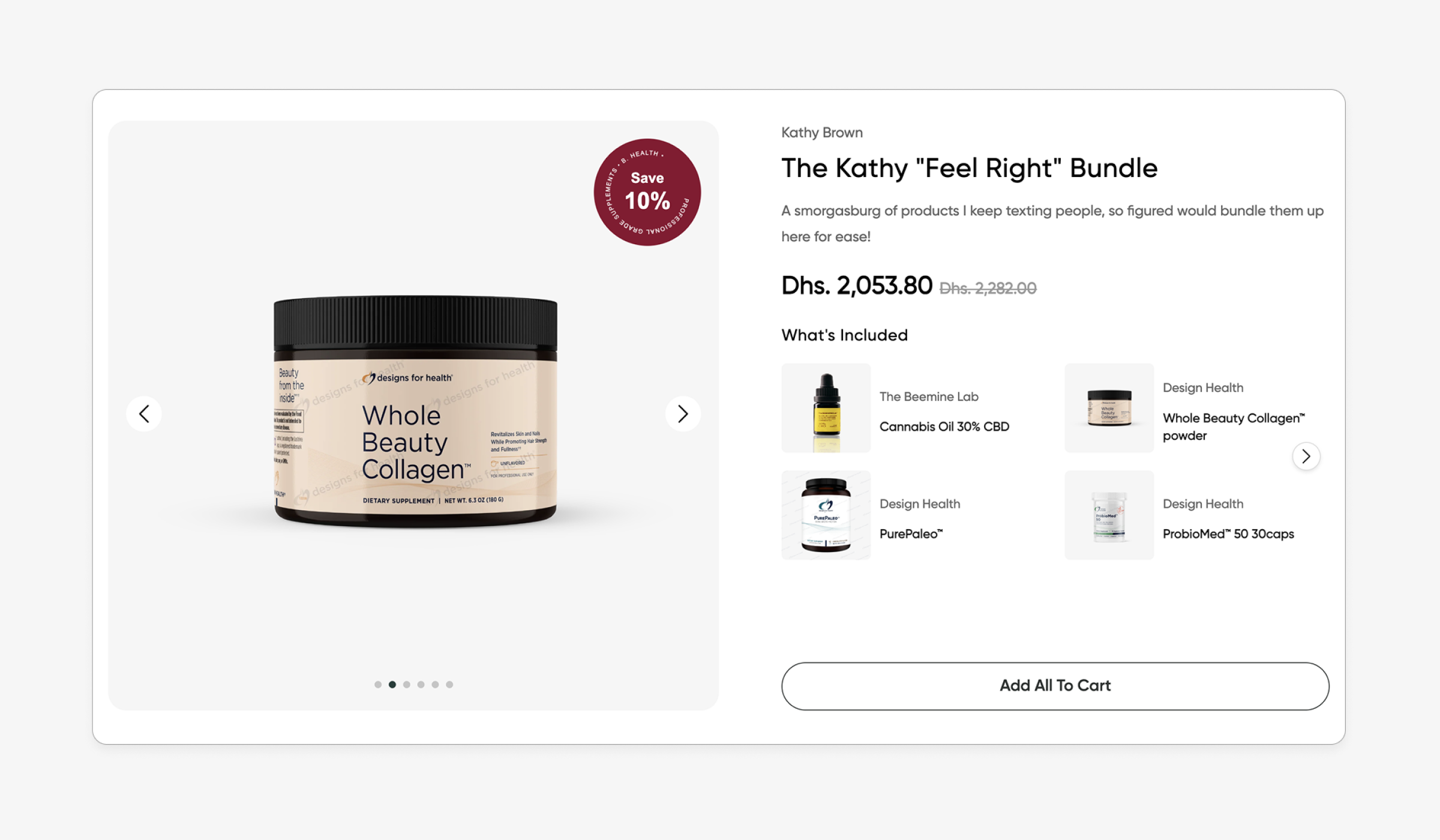
Get a world-class bundle UX, curated per collab
Let your creator's take a crack at bundle merchandizing and offer a slick bundle UX that renders their collections as all-in-one bundles. Users can click individual product cards, or click to add the full bundle to cart. These bundles are visual hacks that don't manipulate your store bundles, and simply handle getting all the products to cart with the affiliate's discount applied.
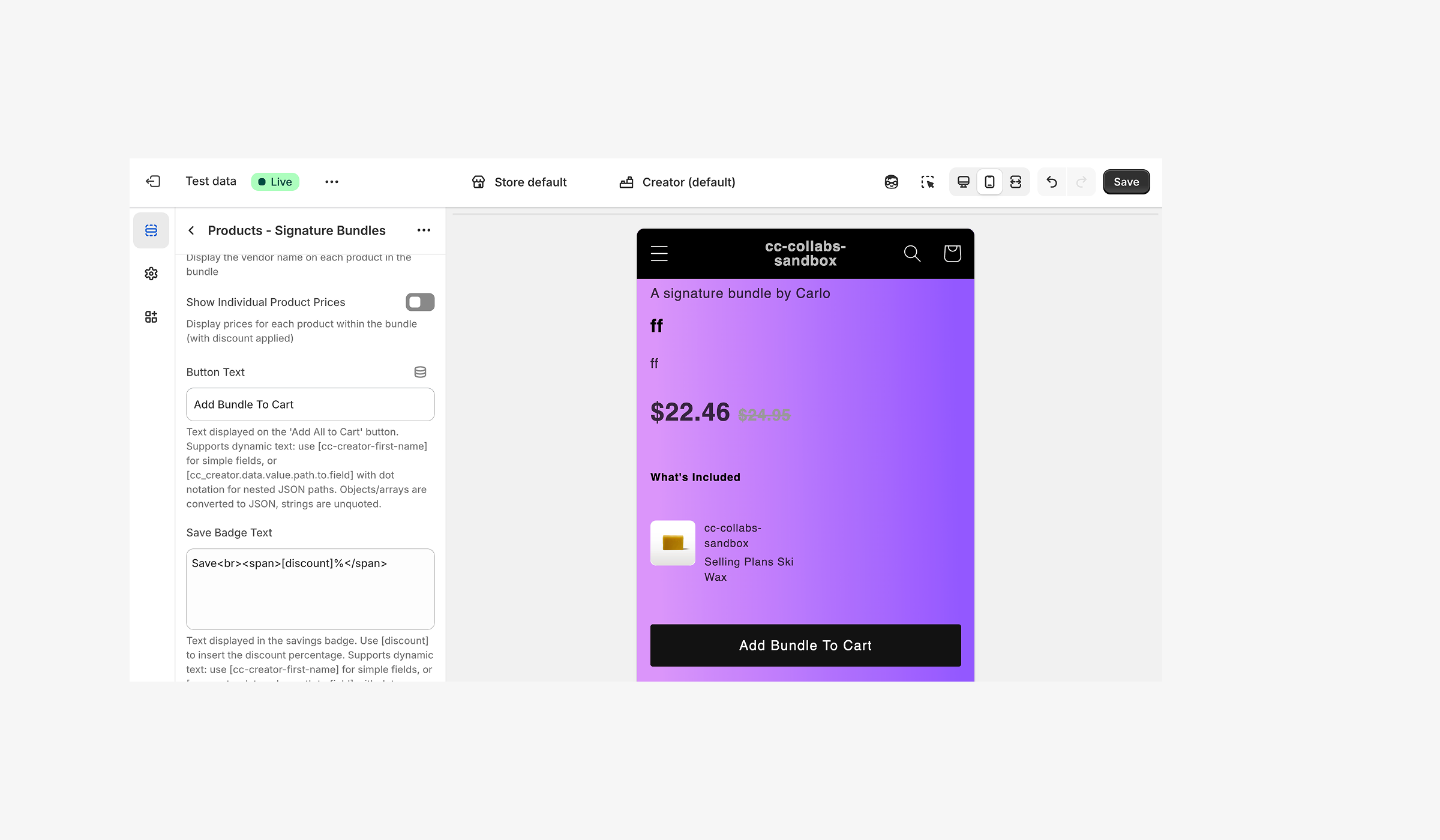
Configure your bundles to convert with your product-line
Add key settings for ensuring performance such as the max total cost allowed per bundle, and critical conversion copy variables such as [cc-collab-dicount-amount].
How it works
1
Add to any page in your theme
Set a max bundle value, which will display bundles only below a certain monetary value to prevent partners from over-bundling.
2
Ensure a creator has at least 1 collection below the bundle value threshold
3
Preview in your theme or click a collab link to view


%201.png)
%201.png)