


If you search "Simple Affiliate landing pages," you're looking for something Simple Affiliate doesn't have, and you're not alone. Thousands of merchants have built successful affiliate programs on Simple Affiliate and then hit a wall: their creators wanted more than links and discount codes. They wanted branded landing pages that felt personal, showed off curated products, and made the affiliate partnership feel real to customers.
Simple Affiliate handles affiliate tracking and payouts well, but it doesn't include built-in landing pages or storefronts. That's not a gap in Simple Affiliate's design; it's just outside the scope of what that app does. The good news: adding landing pages is straightforward, and the integration with CreatorCommerce is direct. CreatorCommerce is a Shopify-native platform for co-branded creator storefronts on the brand's own domain, and it plugs directly into Simple Affiliate via a 5-step Shopify Flow. Your affiliates get the branded experience they want. You keep all your commission tracking in Simple Affiliate. Everyone wins.
What Are Affiliate Landing Pages?
Affiliate landing pages (or creator storefronts) are custom webpages, typically hosted on your brand's domain, that showcase a specific creator and their curated product selection. Instead of directing affiliates to your generic homepage with a discount code, you give them a branded, personalized page that feels like an extension of their identity.
A typical affiliate landing page includes:
• Creator photo and bio: A headshot and a short bio that introduces the creator.
• Curated product selection: 5-20 products the creator actually uses or recommends (not your whole catalog).
• Product descriptions: Why the creator loves each item, how they use it, or why it matters.
• Auto-applied discount: The creator's commission or discount appears at checkout automatically, with no code typing required.
• Creator's voice: The page tone and copy reflect the creator's style, not your brand's marketing speak.
The page lives at something like yourdomain.com/creators/sarah or yourbrand.com/shop/alex. It's 100% on your brand's domain and under your control, though the experience feels like shopping with the creator.
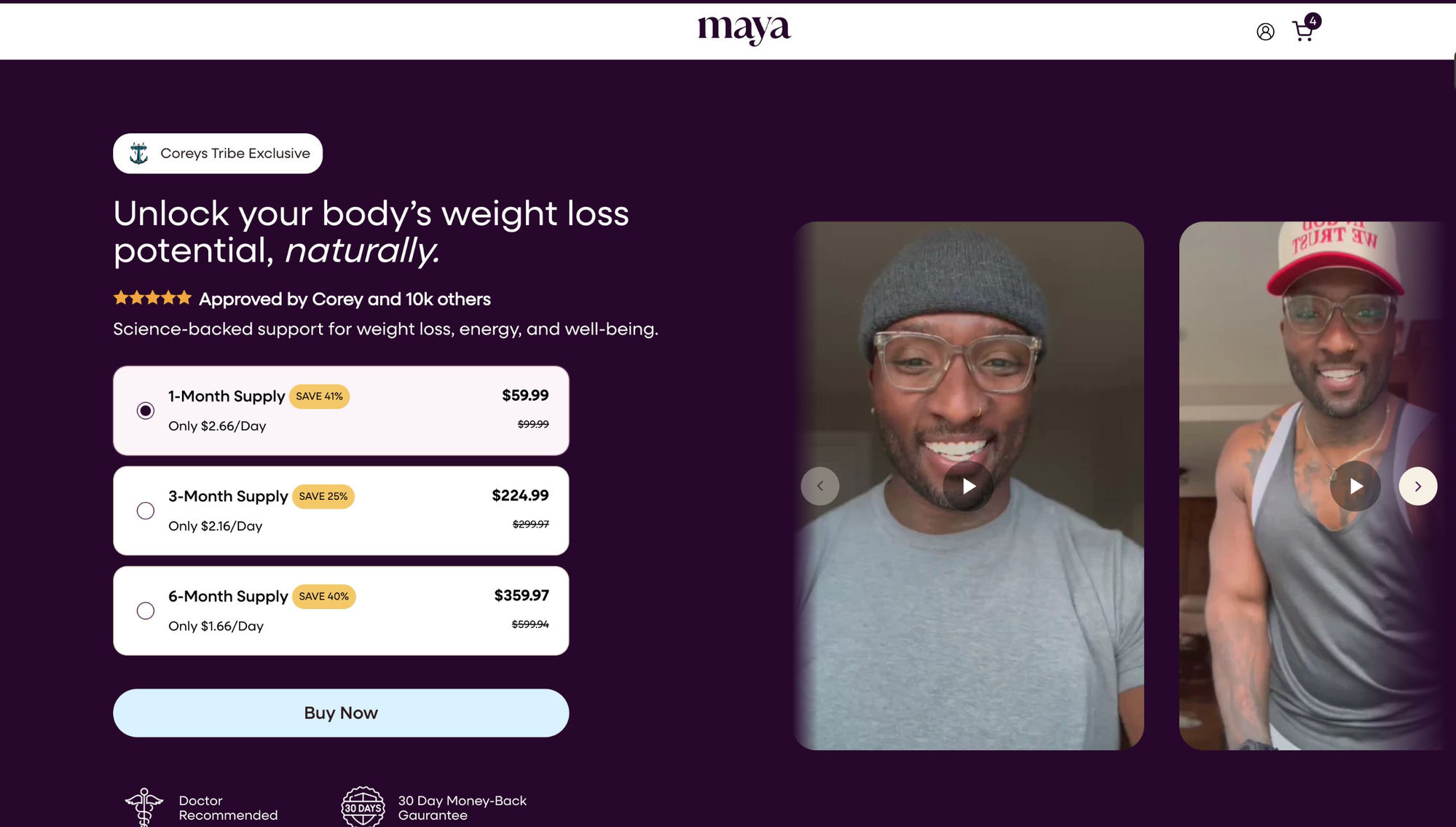
Why Simple Affiliate Affiliates Need More Than Links and Codes
Simple Affiliate gives you two ways to promote: a direct link or a discount code. Both work, but both have limitations.
With direct links: A customer clicks and lands on your homepage. They have to search for products the creator recommended. If they find the product, great. If not, they leave. The creator's influence ends at the click.
With discount codes: A customer clicks the link, lands on your homepage, searches for the product, finds the checkout, then has to manually find and enter the code box. That's friction, especially on mobile. Some customers skip the code and buy anyway (no affiliate credit). Others give up entirely.
Both approaches work for some customers, but they're leaving conversions on the table. A better approach: give creators a landing page that features the products they care about, auto-applies their discount, and keeps their personal brand front-and-center. That's what affiliate landing pages do.
What a Co-Branded Creator Storefront Looks Like
Imagine you're running an affiliate program for a skincare brand with Simple Affiliate. You have 30 creators promoting your products. Most are using links and codes. Conversions are okay: maybe 0.8% for code-based traffic.
One creator, Sarah, asks: "Can you build me a page that shows my favorite products? I want my followers to know these are MY recommendations, not just the brand pushing their whole catalog."
Without a landing page solution, you'd say "sorry, not possible." With a co-branded storefront (built on CreatorCommerce), you'd say "absolutely" and launch something like this:
The page header: A photo of Sarah with a short bio: "Sarah Harlow is a dermatologist and skincare educator. Here are her favorite products from [Brand Name]."
The product grid: 8 SKUs Sarah actually loves: a cleanser, a vitamin C serum, a retinol, a moisturizer, sunscreen, a face mask, an eye cream, and a travel set. Each product has a short note from Sarah explaining why she chose it: "This cleanser works without over-drying. I use it every morning."
The discount: At checkout, a "Sarah's Discount: 20% Off" auto-applies. No code to find or type.
The domain: The page lives at yourbrand.com/creators/sarah. It's your domain, your brand colors, your checkout flow. But it's unmistakably Sarah's page.
Sarah shares this link on Instagram, TikTok, her YouTube channel, and her email. Her followers click and land on a page that feels personal. They see Sarah's face, her recommendations, and her discount all waiting for them. Conversion rate: 2-3%. AOV: 30-50% higher than code-based traffic.
That's the difference a landing page makes.
How to Add Landing Pages to Simple Affiliate with CreatorCommerce
Adding landing pages to Simple Affiliate is a two-part process: integrate CreatorCommerce with your Simple Affiliate data, then build storefronts for your creators. Here's the complete flow:
Part 1: Set Up the CreatorCommerce + Simple Affiliate Integration
Step 1: Create a CreatorCommerce account. Sign up at creatorcommerce.shop and connect your Shopify store. You'll authenticate with Shopify and give CreatorCommerce permission to read your product and order data.
Step 2: Go to Shopify Flows. In your Shopify admin, navigate to Workflows (or Automation → Flows, depending on your Shopify version). This is where you set up automated actions when certain events happen.
Step 3: Create a new Flow for Simple Affiliate. Click Create automation and select Shopify Flow. You'll be prompted to choose a trigger. Select Order created (you want to sync order data to CreatorCommerce every time someone buys through an affiliate link).
Step 4: Add the CreatorCommerce action. CreatorCommerce provides a pre-built Shopify Flow action that you'll add to this workflow. The action reads Simple Affiliate data (affiliate link/code, commission amount, customer info) from your order and sends it to CreatorCommerce. This is a simple drag-and-drop step, no coding required.
Step 5: Test the flow. Create a test order using an affiliate link or code in Simple Affiliate. Verify that the data flows into CreatorCommerce correctly. You should see the affiliate attribution and commission reflected in your CreatorCommerce dashboard within 5 minutes.
For detailed steps, see the CreatorCommerce Simple Affiliate Integration Help Article. This documentation walks through every step with screenshots.
Once this is done, Simple Affiliate and CreatorCommerce are linked. All your affiliate data stays in Simple Affiliate, but CreatorCommerce can now see it and use it to attribute sales and track commissions for landing pages.
Part 2: Build Landing Pages for Your Creators
Step 1: Identify your top creators. Start with your 5-10 highest-performing affiliates in Simple Affiliate. These creators are already driving sales. A landing page will amplify that.
Step 2: Gather creator info. Collect a high-res photo of each creator, a short bio (2-3 sentences), and a list of their favorite products (ask them to pick 5-15 SKUs they actually use or recommend).
Step 3: Create the storefront in CreatorCommerce. Log into CreatorCommerce and create a new storefront. Upload the creator's photo, add their bio, select the products, and choose a discount amount (usually tied to their affiliate commission rate or a standard offer you run for creators).
CreatorCommerce handles page design, product selection, checkout flow, and discount application automatically. You just provide the raw materials.
Step 4: Publish the storefront. Once created, the storefront goes live at yourdomain.com/creators/[creator-name] (or a URL of your choice). It's live immediately and ready for the creator to promote.
Step 5: Share with the creator. Send them the storefront URL and a message: "Your landing page is live! Share this link with your followers. All sales from your page will be tracked in Simple Affiliate, and you'll earn your usual commission."
Step 6: Scale to other creators. Once you've seen conversion data from your first 5 storefronts, expand to more creators. You can now build them in batch: the process is fast and repeatable.
What Happens After Setup
Once your Simple Affiliate + CreatorCommerce integration is live, here's the behind-the-scenes flow:
A customer lands on a creator's storefront. They browse the curated products and click "Add to Cart."
At checkout, the creator's discount auto-applies. No code needed. The price drops automatically.
The customer completes the purchase. The order is placed in Shopify and attributed to the creator's affiliate link (because CreatorCommerce stores affiliate metadata with the order).
Simple Affiliate detects the order. Your Simple Affiliate dashboard shows the sale and calculates the commission automatically. The creator earns money just like they do from a regular affiliate link.
The creator gets paid. If you have Simple Affiliate's autopay enabled, the commission deposits to the creator's account on your scheduled payout date. They see the sale in their Simple Affiliate dashboard, same as always.
The technical magic: CreatorCommerce and Simple Affiliate stay in sync via that Shopify Flow. All affiliate tracking, commission calculation, and payouts happen in Simple Affiliate. CreatorCommerce is just the storefront layer: it captures the traffic and makes sure customers land in the right place with the right discount applied.
The Results: Why You Should Do This
Brands that add landing pages to their Simple Affiliate programs see predictable improvements:
Conversion rate: Landing page traffic converts at 2-4x the rate of code or link-only traffic. A creator who was driving $5K/month in affiliate sales often drives $15K-$20K/month through a landing page.
Creator engagement: Creators love having branded pages. It feels like a real partnership, not just a discount code. They promote more, more consistently, and with more enthusiasm when they have a landing page with their name on it.
Brand control: Every landing page is on your domain, using your design system, and reflecting your brand identity. You're not handing control to third parties or letting creators build something that doesn't match your brand.
Attribution accuracy: Landing pages offer cleaner attribution than codes. A customer clicks one URL and checks out. Simple Affiliate knows exactly who sent them. No ambiguity about whether they entered the code or not.
Data insights: CreatorCommerce and Simple Affiliate together give you visibility into exactly how many people each creator's page drove, conversion rates by creator, revenue per creator, and which products convert best. This data helps you recruit creators, negotiate commissions, and make product selection decisions.
Related Reading
- 24 co-branded landing page tips (Inspired by Nik Sharma's highest-converting tactics)
- Win the Heart of Your Affiliates: Fireside chat with Healf
- Simple Affiliate Review
- Simple Affiliate Creatorcommerce Storefronts
- Affiliate Discount Codes Vs Creator Storefronts
Simple Affiliate Landing Pages: The Summary
Simple Affiliate is excellent at managing affiliate programs: tracking sales, paying creators, and handling tax compliance. But it doesn't include landing pages, which is okay, because CreatorCommerce was built to solve exactly that problem.
The integration takes 30 minutes to set up. Building the first landing page takes 20 minutes. Within a week, you'll see conversion rates climb 2-4x. Within a month, you'll have a revenue model that works: creators get a branded experience, customers get a frictionless checkout, and your brand keeps all the control.
If you're searching "Simple Affiliate landing pages," this is the answer: add CreatorCommerce on top. Your Simple Affiliate program stays intact. Your creators finally get the branded experience they've been asking for. Everyone wins.
Ready to Add Landing Pages to Simple Affiliate?
The integration between CreatorCommerce and Simple Affiliate is straightforward and documented. Follow the step-by-step guide to connect your Simple Affiliate account with CreatorCommerce, build your first creator storefront, and start converting affiliate traffic at 2-4x your current rates. Get started today.
Related Articles
- Simple Affiliate Review
- Simple Affiliate Creatorcommerce Storefronts
- Affiliate Discount Codes Vs Creator Storefronts
Frequently Asked Questions
Does adding landing pages change how Simple Affiliate works?
Not at all. Simple Affiliate's core functions (tracking affiliate links, calculating commissions, and processing payouts) remain unchanged. Landing pages are an additional traffic source that feeds into the same Simple Affiliate dashboard. Your existing links and codes keep working as they always have.
Can my creators still use discount codes if they have a landing page?
Yes. A creator can have both a landing page and a discount code. Some followers will click the landing page link. Others will search for the discount code. Both convert to commissions, tracked in Simple Affiliate. You manage one affiliate program that accepts multiple types of traffic.
How much does CreatorCommerce cost?
CreatorCommerce pricing is usage-based. Each storefront is a small monthly cost, plus a percentage of the revenue generated through that storefront. For most programs, 10-20 storefronts cost $200-$500/month depending on volume. The return on investment (2-4x conversion lift) pays for itself within weeks on any creator doing more than $1K/month in affiliate sales.
How long until I see results from landing pages?
Conversion rates usually improve within the first week, as creators start sharing their landing pages. Revenue impact is visible within 2-4 weeks, once you have a large enough sample of orders. Most brands see a 2-3x return on investment within 90 days.
What if a creator doesn't want a landing page?
They don't have to have one. Some creators prefer the simplicity of a link or code. You can mix and match: some creators with landing pages, others with codes only. Simple Affiliate handles both approaches in one dashboard.
Can I edit a landing page after it goes live?
Yes. You can update a creator's photo, bio, product selection, discount, or any other element anytime. Changes go live immediately. This is helpful if a creator's focus shifts or if you want to refresh the page based on seasonal products or promotions.
What if I have affiliate traffic from Instagram, TikTok, YouTube, and email, how do I attribute it all?
Each creator gets one landing page URL. They share that URL everywhere: bio links, video descriptions, email, etc. All traffic from all platforms goes through one URL and attributes to the same landing page. CreatorCommerce tracks total traffic and conversions from that page, regardless of where the customer came from originally.
Do I need to build a landing page for every affiliate in Simple Affiliate?
No. Start with your top performers. As your affiliate program grows, you can gradually add more creators. Most brands start with 5-10 and expand from there. It's easier to manage than trying to build pages for 100 creators at once.
Does Simple Affiliate include built-in landing pages?
Simple Affiliate focuses on affiliate management and commission tracking. CreatorCommerce provides co-branded creator storefronts that function as landing pages on the brand's domain, offering a unified solution for both platform and storefront needs.
How do CreatorCommerce storefronts work with Simple Affiliate?
CreatorCommerce storefronts integrate with Simple Affiliate to track creator-specific sales and attribute revenue correctly. Each creator gets a branded storefront experience while Simple Affiliate handles the backend commission logic and payouts.
Do I need coding skills to set up creator landing pages?
No coding is required. CreatorCommerce storefronts are built with a drag-and-drop interface, and Simple Affiliate integrations are managed through Shopify's app interface, making creator landing pages accessible to non-technical team members.





%201.png)
%201.png)
